10 Amazing Quick Tips For Microsoft Flight Simulator 2020
I’m going to share with you some of the quickest and easiest ways to get the most out of Microsoft Flight Simulator 2020. Below, I will touch on 10 quick tips and also include links to take your flight simulation experience to the next level.
Skip Long Travel
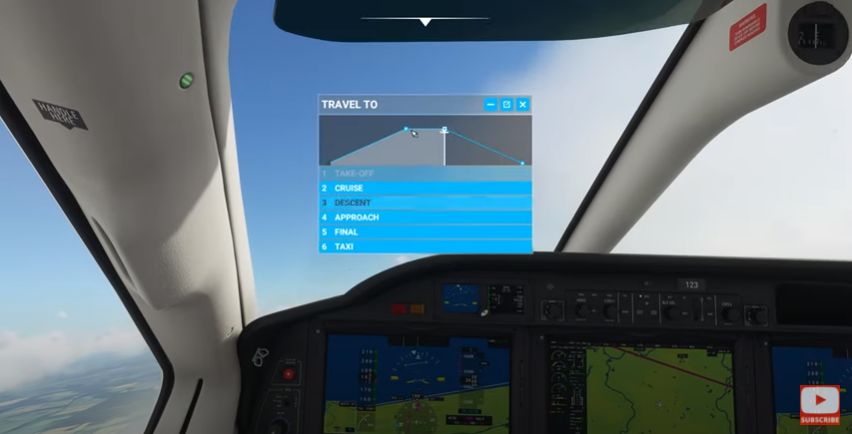
Want to skip some of the longest parts of your flight? Just go to the menu and click on “travel to”. From there you can choose which part of the flight you would like to travel to without the wait. This will load you right into that part of the flight, and is an easy way to keep those long trips in check.
Refuel Anytime
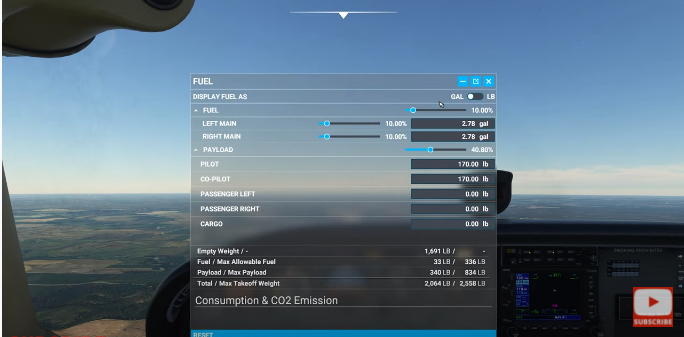
Unlike a real plane, the simulator gives you the ability to fuel up whenever you are ready. This option is very simple to access. Just go to the menu, and click on the option to adjust your fuel.
Take Sim To The Next Level
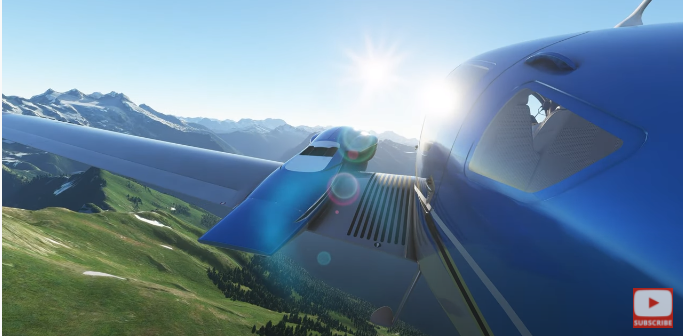
If you’re really looking to take things to the next level I suggest you check out www.flightsimcoach.com. This website allows you to do one-on-one instruction remotely with a flight instructor. A real world flight instructor will actually guide you through a real lesson while you’re flying on your simulator! This can be on either Microsoft Flight Simulator or X-Plane.
Having done real world training, his training on the simulator feels very similar. If you want to bring the most realism you can to your flight sim you should take a look at this. Flight Sim Coach – One on one Flight Training (also known as Zero Sideslip) http://zerosideslip.com?aff=2
(advertisement link). If you use my link you’ll get ten percent off and also help out www.VRFlightworld.com. Make sure when you check out you use the code: VRFlight10.
Common Problems with Active Pause
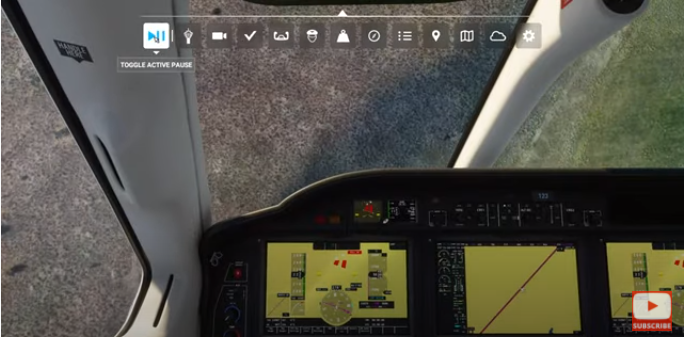
Active pause can be an amazing tool, but it can also be a dangerous one. On multiple occasions I’ve actually had it crash my plane while on a long flight.
Leaving your plane in an upward attitude with low throttle setting will eventually stall your plane. If you then unpause your plane will start to stall and probably end up in a nose dive.
If your plane is in a nose down attitude with moderate throttle input, your plane will probably over speed. This can cause the plane to over stress.
The best way to avoid this is to check your air speed for stability before leaving the plane. (I’ve also had this issue in auto-pilot so keep that in mind.)
Using a Co-Pilot
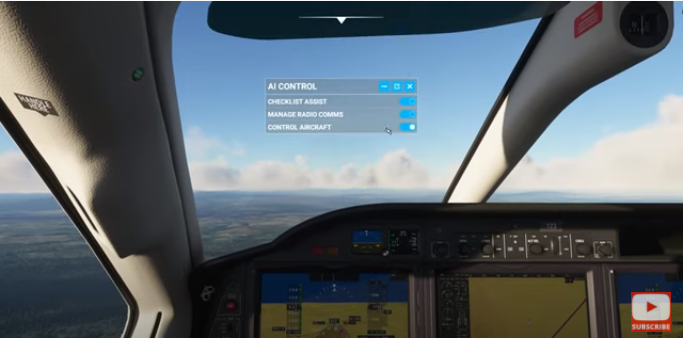
Microsoft Flight Simulator gives you the option to use a co-pilot for many different tasks. Some of these include: checklists, atc communications and flying the plane. For me, switching to AI to control the aircraft is usually better than using active pause. Using the co-pilot will usually avoid the problems that come with active pause.
Frames Per Second
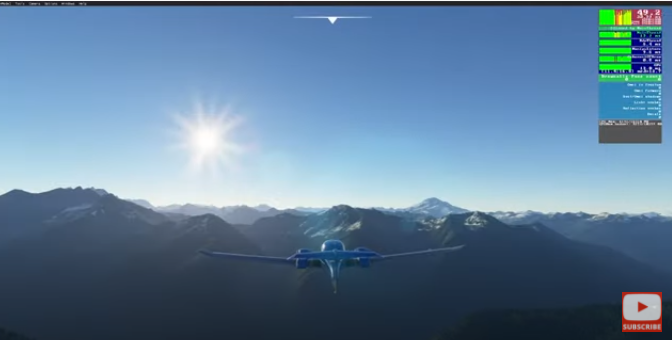
If you want to see what FPS you are getting from your sim, just go to options. From there, go to ‘developers’ and then turn on ‘developer mode’. You will now see your FPS.
Sound and Music Options
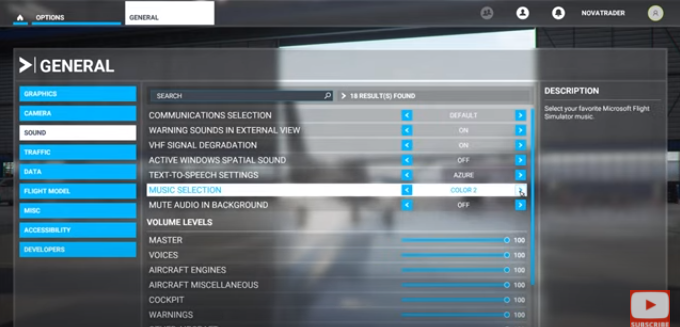
If you would like to change the music you can choose from three options by clicking on ‘options’. From there, click on ‘general’ and then ‘sound’. Under sound you can make your choice, or choose to turn the music off by going to the bottom and dragging the music slider down.
Removing the stall horn or warning noises from the exterior can also be done by clicking ‘options’, ‘general’ and ‘sound’. You can then turn off or on warning sounds in the external view.
Create Custom Views
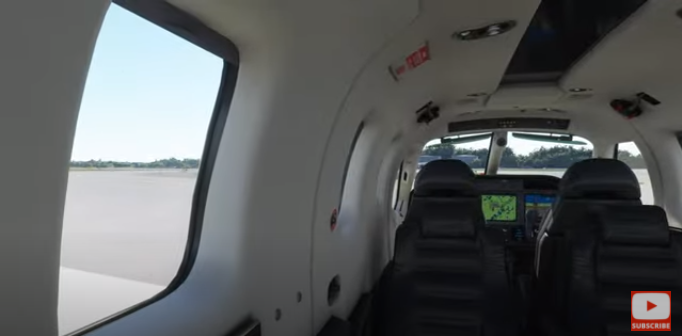
At any point during the flight you can hold ‘ctrl’ and ‘left alt’ along with any number key to create a custom view. To use the view you created, hold ‘left alt’ and click the corresponding number.
Toolbar
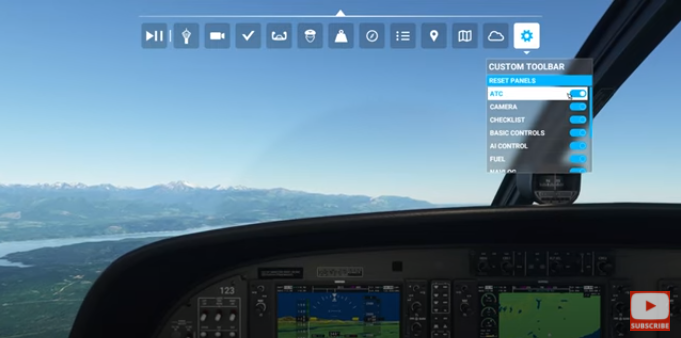
You can make your life easier by customizing your toolbar by removing the tools that you don’t use. Go to your toolbar and click on the cog. From here you can add the items you want and remove the items you don’t.
I hope these tips have been useful and easy to understand. Thanks for reading. We really appreciate the support!
Leave a Reply